
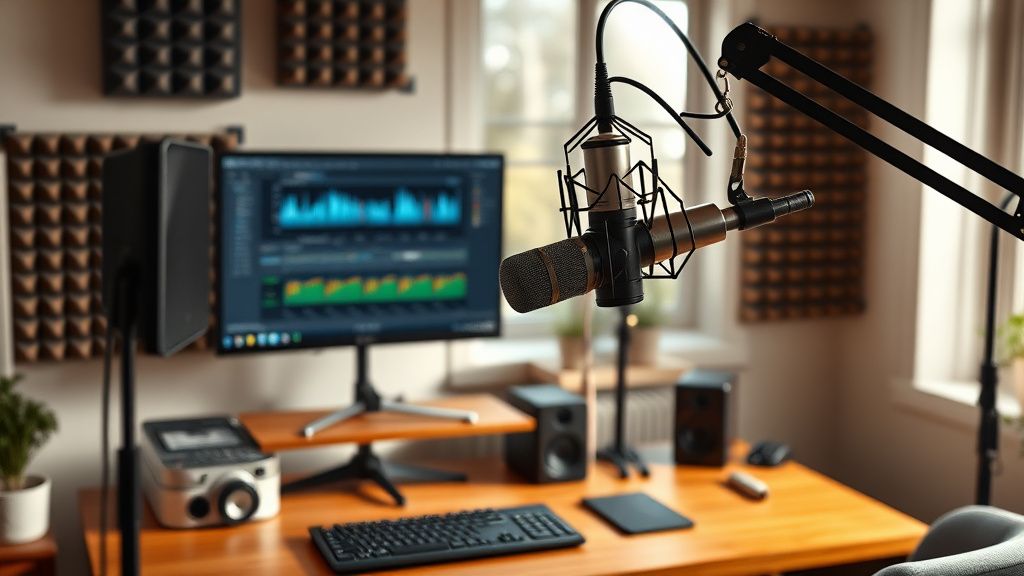
Hey everyone, I've been creating YouTube videos for about six months now, mostly talking-head style content with some B-roll. I'm using a Rode NT-USB Mini microphone and recording in my home office, which has hardwood floors and some echo. I've tried lowering the gain and speaking closer, but the audio still sounds a bit hollow and lacks that professional clarity I hear from other creators. I edit in DaVinci Resolve 18.6 and have been playing with the built-in Fairlight EQ and compressor, but I'm not sure if I'm using them correctly. Any advice on mic placement, room treatment, or post-processing settings that could help me get cleaner, more broadcast-quality sound without breaking the bank? Thanks in advance!
Struggling to improve audio quality in my talking-head videos – any tips?
Hey everyone, I've been creating YouTube videos for about six months now, mostly talking-head style content with some B-roll. I'm using a Rode NT-USB Mini microphone and recording in my home office, which has hardwood floors and some echo. I've tried lowering the gain and speaking closer, but the audio still sounds a bit hollow and lacks that professional clarity I hear from other creators. I edit in DaVinci Resolve 18.6 and have been playing with the built-in Fairlight EQ and compressor, but I'm not sure if I'm using them correctly. Any advice on mic placement, room treatment, or post-processing settings that could help me get cleaner, more broadcast-quality sound without breaking the bank? Thanks in advance!
Replies (5)

17.07.2026 06:40
creatorexpert68 yazdı:
I've tried lowering the gain and speaking closer, but the audio still sounds a bit hollow and lacks that professional clarity
Hey! The hollow sound is likely from room reflections hitting the mic. Even with a good mic like the NT-USB Mini, untreated rooms cause issues. A cheap fix: hang a heavy blanket or moving pad behind your head (behind the camera) to absorb reflections. Also, try positioning the mic about 6-8 inches from your mouth, slightly off-axis (not directly in front) to reduce plosives. In Fairlight, use the compressor with a ratio around 3:1, threshold at -18 dB, and add a gentle high-pass filter at 80 Hz to cut rumble. That should tighten up the low end.
TikTok growth is all about the first 3 seconds hook.

17.07.2026 06:56
I agree with clipcraft20 about the blanket trick. Also, consider a simple acoustic panel like the Auralex LENRD bass traps in corners—they're cheap and effective. For post, in Fairlight, try the 'Voice Leveler' effect (under Dynamics) set to -18 dB target, with a fast attack (10 ms) and slower release (100 ms). That smooths out volume variations. Also, add a de-esser (under EQ) to tame sibilance around 5-6 kHz. That should give you that polished broadcast sound.
Focus on retention, the rest will follow.

17.07.2026 07:13
Great tips already. One more: check your recording environment for hard surfaces facing the mic. A bookshelf with books (irregular surfaces) opposite you can diffuse reflections. Also, in DaVinci Resolve, under Fairlight, use the 'Room Reverb' plugin—set it to 'Remove' mode with a short decay (30 ms) and mix around 20%. That can reduce the hollow echo significantly. Also, ensure your mic's polar pattern is set to cardioid (the NT-USB Mini is cardioid by default) and avoid recording near walls.
Shorts and Reels creator | DaVinci Resolve fan!

17.07.2026 07:28
Everyone's given solid advice. I'll add: consider a simple reflection filter like the sE Electronics RF-X (around $70) that mounts behind the mic. It's portable and works wonders. Also, in Fairlight, use the 'Multiband Compressor' with three bands: low (0-200 Hz) compress 2:1, mid (200-4 kHz) compress 3:1, high (4k-20k) compress 2:1. This evens out the tone. Finally, normalize your audio to -3 dB peak before exporting. That ensures consistent loudness across videos.
Sony FX3 shooter | Love color grading.
17.07.2026 07:58
Thank you all so much for the detailed suggestions! I tried the blanket trick behind my setup and adjusted the compression settings as recommended—the hollow sound is almost completely gone. I also added a high-pass filter at 80 Hz and a de-esser, and my audio now sounds much clearer and more professional. The multiband compressor tip from studioclub41 was especially helpful. I'm really grateful for this community's support. Problem solved!
Sony FX3 shooter | Love color grading.
You must register or log in to reply to this topic.
Related Topics & Similar Discussions
My 4K videos look blurry on YouTube after export from Premiere Pro – what am I doing wrong?
Category: Feedback & Support