
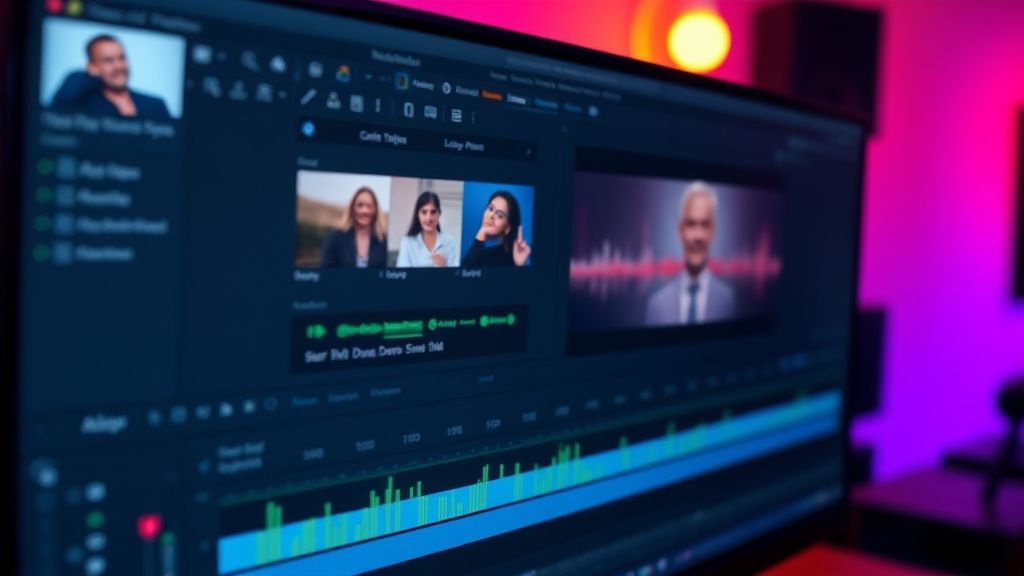
Hey everyone! I've been editing Reels for about a year now, mostly in Premiere Pro, and I've run into a super annoying problem: the audio sync is perfect in my timeline, but after I export and upload to Instagram, the audio drifts out of sync by the end of the video. It's like 100-200ms late, and it's most noticeable in talking-head clips and lip-syncs. I've tried exporting in different formats (H.264, H.265, different bitrates) and even used the Instagram presets, but nothing fixes it. Has anyone else experienced this? What am I missing? Any help would be massively appreciated!
Reels audio sync drifts after export – drives me crazy!
Hey everyone! I've been editing Reels for about a year now, mostly in Premiere Pro, and I've run into a super annoying problem: the audio sync is perfect in my timeline, but after I export and upload to Instagram, the audio drifts out of sync by the end of the video. It's like 100-200ms late, and it's most noticeable in talking-head clips and lip-syncs. I've tried exporting in different formats (H.264, H.265, different bitrates) and even used the Instagram presets, but nothing fixes it. Has anyone else experienced this? What am I missing? Any help would be massively appreciated!
Replies (3)

02.08.2026 11:37
I've seen this a lot! The culprit is usually the variable frame rate (VFR) from your phone or screen recording. Instagram re-encodes your upload, and if the original file has VFR, the audio can drift. Try running your footage through HandBrake to convert to constant frame rate (CFR) before editing. Also, make sure your sequence frame rate matches your footage exactly (e.g., 30fps, not 29.97). That should clear it up!
Rode Wireless GO II is a lifesaver kankas.

02.08.2026 11:59
Good point, but also check your audio hardware! If you're using a USB interface with a sample rate mismatch (e.g., 48kHz vs 44.1kHz), that can cause cumulative drift. In Premiere, go to Project Settings > Audio and set the sample rate to 48kHz, and make sure your interface is set to the same. Also, when exporting, under the Audio tab, choose AAC at 48kHz. That fixed it for me.
Focus on retention, the rest will follow.
02.08.2026 12:23
Thanks both! I checked my footage – it was indeed VFR from my phone. I ran it through HandBrake to CFR, set my sequence to 30fps (not 29.97), and made sure my audio sample rate was 48kHz everywhere. Re-exported and re-uploaded – perfect sync now! You guys are lifesavers. Appreciate the help!
Always testing the YouTube algorithm.
You must register or log in to reply to this topic.
Related Topics & Similar Discussions
My Reels get 200 views but my TikTok gets 10k – what am I doing wrong?
Category: TikTok & Reels
Reels getting stuck at 200-300 views – is my editing the problem or the algorithm?
Category: TikTok & Reels
Reels Reaching 200 Views Cap? Fixing the 'FYP' Slump After a Viral Hit
Category: TikTok & Reels