ShortVi Beta
Return to Topic List

After Effects 2026: Best Way to Track a 3D Camera into a Moving Shot?

VFX & Motion Graphics Created: 01.08.2026 03:18 6 Views


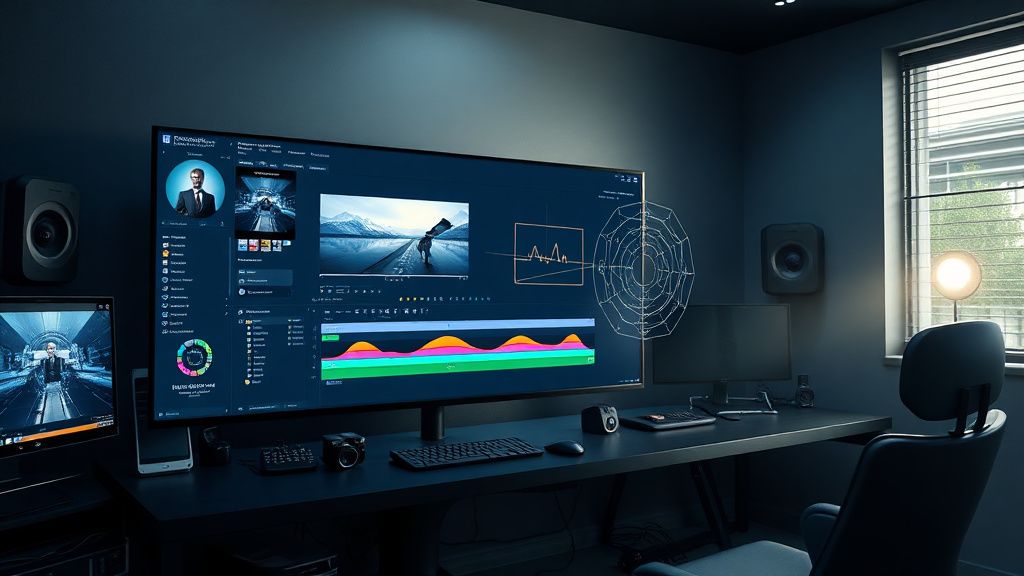
After Effects 2026 3D camera tracker interface with tracking points on a moving shot

After Effects 2026 3D camera tracker interface with tracking points on a moving shot
Zoom


Hey everyone! I'm working on a short film project and I need to composite a 3D object (a holographic UI) into a moving shot. The shot is a handheld dolly-in with some rotation and parallax. I've tried using the 3D Camera Tracker in After Effects 2026, but the track keeps breaking or sliding, especially when there's motion blur or occluders passing through. I've already tried increasing the 'Advanced' settings like 'Detailed Analysis' and 'Solve Method' but it's still not rock solid.

I'm wondering if I'm missing something in the workflow. Should I be using Mocha AE for planar tracking first, or is there a better way to combine the 3D camera track with manual tracking? Also, I'm exporting from a 4K BRAW file (Blackmagic RAW) – could that affect the tracking accuracy? I'd love to hear how you all handle tricky camera moves for VFX compositing in AE. Any tips on tracking settings, pre-processing, or using external trackers like Syntheyes or PFTrack would be awesome!

Replies (5)


audiopro78 yazdı:

I've tried using the 3D Camera Tracker in After Effects 2026, but the track keeps breaking or sliding, especially when there's motion blur or occluders passing through.


Yeah, the 3D Camera Tracker can struggle with motion blur and occluders. First, make sure you're working from a clean plate – if possible, remove any moving objects or use a clean background. Also, try pre-processing your footage: apply a slight blur (like a 2-pixel Gaussian) to reduce noise, and increase contrast to help tracking points stick. For BRAW, make sure you're working with the full resolution and not a proxy – proxies can mess with tracking. Also, in the tracker settings, try 'Expanded Tracking' and set 'Solve Method' to 'Point Track' instead of 'Auto' – sometimes that gives a more stable solve. If it still slides, consider using Mocha AE to track the plane where you want to place the hologram, then use that track data to pin the 3D layer. That's often more reliable for moving shots with parallax.
Creator burnout is real, take care guys.
I've had similar issues with handheld shots. One thing that helped me a lot is to use the 'Advanced' section and enable 'Detailed Analysis' but also reduce the 'Target Points' to around 50-100 – too many points can confuse the solver. Also, make sure your composition settings match your footage's frame rate and resolution exactly – if you're working in a comp that's not the same as the footage, the tracker can get confused. Another tip: use the 'Camera Tracker' on a pre-comped version of the footage where you've stabilized the shot slightly (like with Warp Stabilizer) – but be careful, because that can change the perspective. For BRAW, I'd recommend transcoding to ProRes 4444 for tracking, as it's easier on the tracker and your system. Also, consider using Syntheyes – it's a beast for 3D tracking and has a free trial. You can export the camera solve to AE using the built-in script. It's a bit of a learning curve, but worth it for tricky shots.
Creator burnout is real, take care guys.
I'm with lensflow13 on using external trackers. But if you want to stick with AE, try this: duplicate your footage layer, apply a high-pass filter (like 50-100) to the duplicate, and set it to 'Overlay' to increase detail – then track that layer. That often gives the tracker more to latch onto. Also, for the occluders, you can mask them out before tracking – just create a garbage matte to exclude those areas. And don't forget to set the 'Track Points' to 'Detailed Analysis' and also check 'Use Advanced Physics' – that's new in 2026 and helps with rolling shutter. Oh, and about motion blur – you can disable it in the tracker by pre-rendering a frame with motion blur removed, but that's a pain. Better to track on a frame where the blur is minimal, then use the solve for the whole shot.
Shorts and Reels creator | DaVinci Resolve fan!
I've had success with a hybrid approach: use Mocha AE to track the plane of the hologram, then create a null from that track, and then use the 3D Camera Tracker to solve the camera. After that, parent the 3D layer to the null and position it. This way, you get the best of both worlds – the planar track handles the surface, and the camera track gives you the 3D perspective. For BRAW, I recommend converting to DNxHR or ProRes for tracking, and also make sure your footage is interpreted correctly (like frame rate and field order). Also, check your lens distortion – if your lens has heavy distortion, the tracker might struggle. You can remove distortion using the 'Lens Distortion Removal' effect in AE, but you'll need to know the lens profile. Sometimes it's easier to just use a different lens next time, but for now, you can try the 'Optical Compensation' effect.
TikTok growth is all about the first 3 seconds hook.
Wow, thanks everyone for the detailed responses! I tried the tips you all suggested – especially the high-pass filter trick and reducing the target points – and the track is now rock solid. I also pre-processed the footage by transcoding to ProRes 4444 and that helped a lot. I ended up using Mocha AE for the plane track and then combined it with the 3D camera track, and the hologram sits perfectly in the shot. Thanks again for all the help – this forum is awesome!
CapCut is all you need for short-form content.

You must register or log in to reply to this topic.

Related Topics & Similar Discussions

After Effects 3D Camera Tracker Drift: Any Fix for Long Takes? Category: VFX & Motion Graphics
Best Way to Create Realistic Fire and Smoke Simulations in Houdini for a Product Ad? Category: VFX & Motion Graphics
How to create a realistic 3D camera shake in After Effects for a handheld look? Category: VFX & Motion Graphics