ShortVi Beta
Return to Topic List

How to create a realistic 3D camera shake in After Effects for a handheld look?

VFX & Motion Graphics Created: 01.08.2026 11:34 5 Views


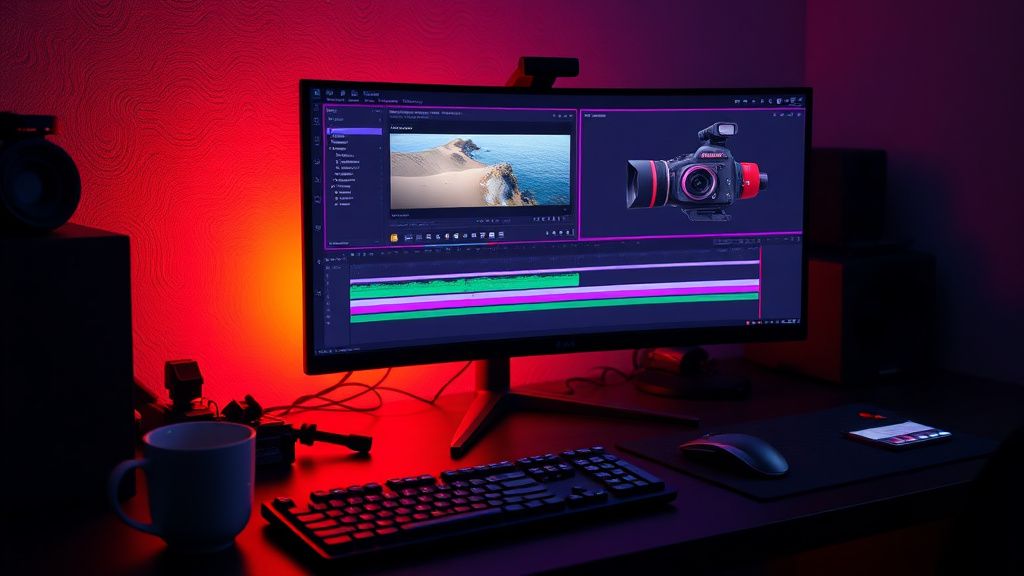
After Effects timeline with 3D camera shake keyframes on a monitor in a dark editing suite

After Effects timeline with 3D camera shake keyframes on a monitor in a dark editing suite
Zoom


Hey everyone, I'm working on a short film and I want to add a subtle handheld camera shake to a few VFX shots to make them feel more organic. I've tried using the Wiggle expression on the position of a null object, but it feels too random and mechanical. I'm looking for a way to create a more natural, believable shake that mimics a real handheld camera, with those tiny micro-jitters and occasional larger movements.

I'm working in After Effects CC 2026, and I have access to the Cinema 4D renderer and the Advanced 3D engine. I've also seen some tutorials about using the Wiggler and the Motion Sketch, but they seem to produce similar results. Does anyone have a workflow or a technique that they use to achieve a convincing handheld effect, especially for VFX shots where you need to track the movement? Any advice on keyframing, expressions, or using plugins would be greatly appreciated!

Replies (3)


cutpro67 yazdı:

I've tried using the Wiggle expression on the position of a null object, but it feels too random and mechanical.


I know exactly what you mean. The default wiggle is too uniform. What I like to do is use the 'wiggle' expression but with a variable frequency and amplitude over time. For example, you can animate the 'freq' and 'amp' values using sliders or keyframes to simulate different intensities. Also, try applying the wiggle to separate axes with different frequencies to break up the motion. Another trick is to add a tiny bit of rotation wiggle as well, because real handheld cameras have rotational shake. Here's a sample expression for position:

freq = 5; // base frequency
amp = 20; // base amplitude
freq2 = 7; // secondary frequency
amp2 = 5; // secondary amplitude
x = wiggle(freq, amp)[0] + wiggle(freq2, amp2)[0];
y = wiggle(freq, amp)[1] + wiggle(freq2, amp2)[1];
z = wiggle(freq, amp)[2] + wiggle(freq2, amp2)[2];
[x, y, z]

This gives you a more complex noise. Also, consider using the 'motion tile' effect on the footage to cover the edges when the camera moves.
Sony FX3 shooter | Love color grading.
Building on what pixelspark91 said, another great approach is to use a null object with the 'Orbit Camera' or 'Camera' as a parent, and then animate the null's rotation and position with the 'Graph Editor'. But if you want a more realistic handheld feel, I recommend using a combination of keyframed movements and the 'Wiggle' expression with 'smooth' interpolation. Alternatively, you can use the 'Camera Shake' preset from the Animation Presets folder (under 'Behavior' > 'Camera Shake'), which is actually quite good. It uses a series of keyframes with varying amplitudes. You can also try the 'OBS' plugin 'Handheld' but that's for OBS, not After Effects.

For VFX shots, you need to make sure your 3D camera is tracked properly. If you're using the 3D camera tracker, you can create a null at the track point and then parent your camera to that null, so the shake is applied to the null. This way, the shake will be relative to the scene. Also, don't forget to add a slight depth of field blur to sell the handheld feel.
Keep rendering, keep uploading.
Thanks for the tips, pixelspark91 and lenshub80! I tried the multi-frequency wiggle expression and it worked wonders. The motion felt much more organic, and I added a slight rotation wiggle as well. I also used the Camera Shake preset and modified it to match my scene. The key was to parent the camera to a null and apply the shake to the null, as lenshub80 suggested. That made it blend perfectly with the 3D tracked footage.

I'm really happy with the result now. Thanks again for the help!
Write, shoot, edit, repeat.

You must register or log in to reply to this topic.

Related Topics & Similar Discussions

After Effects 3D Camera Tracker Drift: Any Fix for Long Takes? Category: VFX & Motion Graphics
Best Way to Create Realistic Fire and Smoke Simulations in Houdini for a Product Ad? Category: VFX & Motion Graphics
How to create a realistic 3D camera track in After Effects without a 3D tracker? Category: VFX & Motion Graphics