ShortVi Beta
Return to Topic List

TikTok audio sync drift after 30 seconds – is there a fix in CapCut or Premiere?

TikTok & Reels Created: 31.07.2026 19:36 5 Views


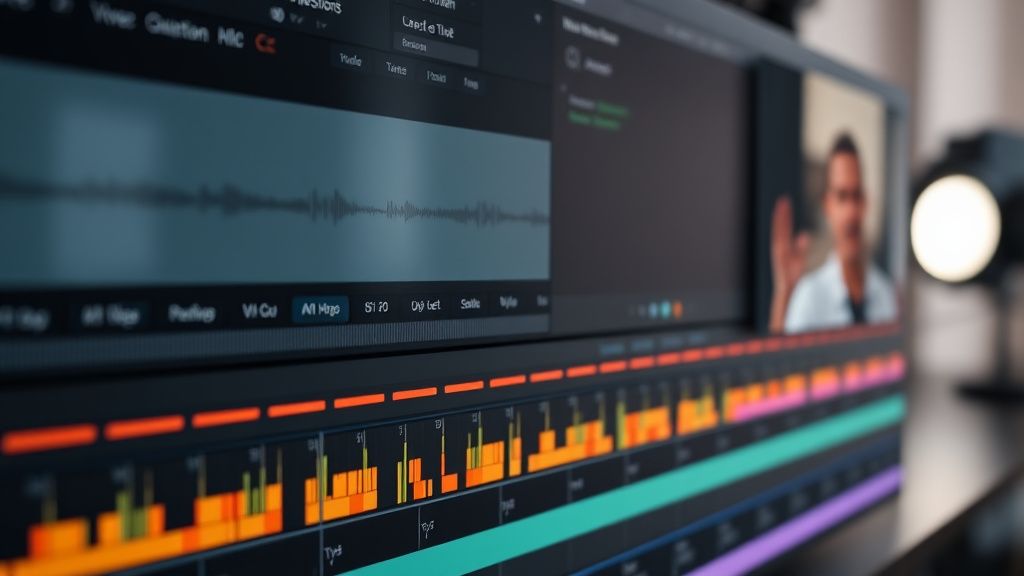
CapCut desktop timeline with audio drift and misaligned waveform for TikTok video editing

CapCut desktop timeline with audio drift and misaligned waveform for TikTok video editing
Zoom


Hey everyone, I've been editing vertical videos for TikTok and Reels for a few months now, and I keep running into a frustrating issue: the audio drifts out of sync with the video after about 30 seconds of runtime. It starts fine, but by the end of a 60-second clip, the lips are noticeably off. I'm using a Sony ZV-1 with a Rode Wireless Go II, and I'm editing in CapCut desktop (the free version). I've tried syncing manually, but it's tedious and inconsistent.

Is this a known issue with long-form vertical content, or is my workflow causing it? I've heard about frame rate mismatches, but I'm shooting at 30fps and my timeline is also 30fps. Could it be a variable frame rate problem from my phone (I sometimes record B-roll on my iPhone)? Any tips on how to fix this quickly and prevent it in the future? I'd love to hear what works for you all.

Replies (3)


audiopro78 yazdı:

I've tried syncing manually, but it's tedious and inconsistent. Is this a known issue with long-form vertical content, or is my workflow causing it?


Manual syncing is a pain, but the good news is it's likely a variable frame rate (VFR) issue. Your iPhone records in VFR by default, and when you drop those clips into a 30fps timeline in CapCut, it can cause audio drift because the video frames are not evenly spaced. Even if your main camera is constant frame rate (CFR), mixing in VFR clips can throw the whole timeline off.

Here's what I recommend: First, convert any iPhone footage to constant frame rate using a free tool like HandBrake (set it to 30fps, constant). Then, in CapCut, make sure your project settings are set to 30fps and that you're not using any auto-sync features that might resample audio. If you're already doing that, try using the 'Sync by audio' feature in CapCut (right-click on the clip, select 'Synchronize', then 'Audio'). It uses waveform matching and works well for offset correction. For Premiere Pro, you'd use 'Merge Clips' with audio syncing.

If you're still having issues, check if your Rode Wireless Go II is recording internally as a backup – that can help you realign manually with a clap or a slate at the start. But honestly, converting to CFR should solve it.
Always testing the YouTube algorithm.
I second the VFR issue, but another thing to check is your timeline's audio sample rate. In CapCut, if your project is set to 48kHz but your source audio is 44.1kHz, you can get drift over time. It's rare, but it happens. Here's a quick fix: in CapCut, go to Project Settings and ensure the sample rate matches your audio (usually 48kHz for video). If you're using Premiere, you can check the audio sample rate in the clip properties and conform it to the sequence.

Also, are you using any dynamic zoom or keyframe animations on your clips? That shouldn't affect audio, but if you're doing speed ramps, that can cause drift if you're not using optical flow. But the simplest test: render a 60-second clip with just your main camera footage (no iPhone clips) and see if the drift still happens. If it doesn't, then it's definitely the VFR clips. If it does, then it's a frame rate or sample rate mismatch.

One more pro tip: always record a clap or a sharp sound at the start of every take. That gives you a visual/audio sync point for manual alignment if all else fails. I've been editing for 5 years, and that saves me more times than I can count.
Keep rendering, keep uploading.
Hey everyone, thanks for the replies! I converted my iPhone clips to CFR using HandBrake and set my CapCut project to 48kHz, and that did the trick. I also started using the 'Synchronize by audio' feature, and the drift is gone. I even tested a 60-second clip with mixed footage and it stayed in sync perfectly.

I appreciate the tip about recording a clap – I'll definitely start doing that for safety. This forum is awesome, thanks for saving me hours of manual syncing!
CapCut is all you need for short-form content.

You must register or log in to reply to this topic.

Related Topics & Similar Discussions

Reels algorithm 2026: why is my high-retention video stuck at 500 views? Category: TikTok & Reels
Reels blowing up but zero followers converting — what am I missing? Category: TikTok & Reels
Reels blowing up but zero followers? Need clarity on algorithm mismatch Category: TikTok & Reels