ShortVi Beta
Return to Topic List

Best Mobile Editing App for Long-Form YouTube Videos in 2026?

Mobile Editing Apps Created: 01.08.2026 11:29 1 Views


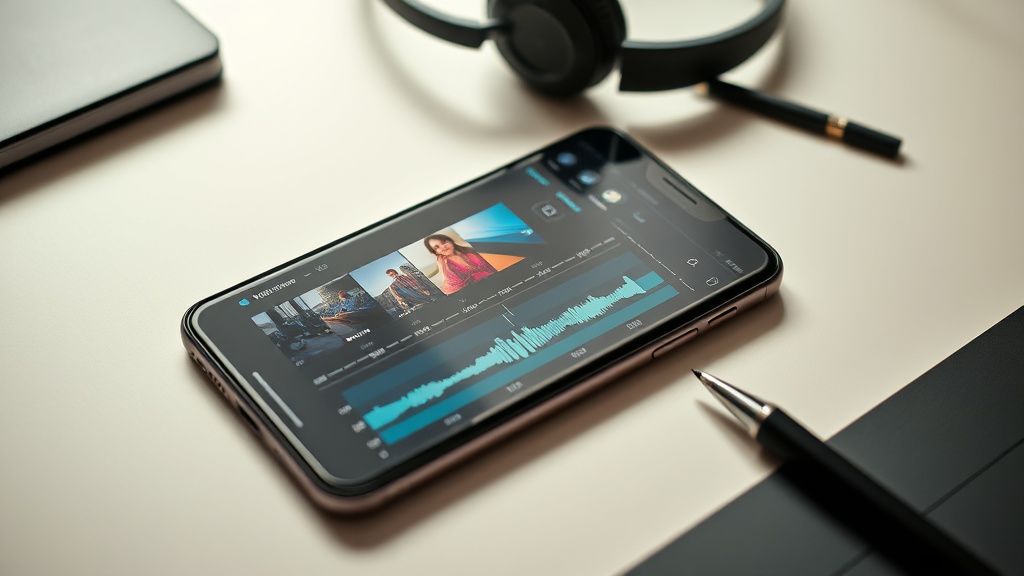
Mobile video editing app interface on a smartphone with timeline and audio tracks

Mobile video editing app interface on a smartphone with timeline and audio tracks
Zoom


Hey everyone! I've been editing my YouTube videos on my laptop with Premiere Pro, but I'm about to travel for a few months and won't have access to a computer. I need to switch to editing on my phone (iPhone 15 Pro Max) for a while. My videos are mostly talking-head style with some b-roll, usually 10-15 minutes long. I'm looking for an app that can handle long timelines without crashing, has decent audio editing, and supports exporting in 4K.

I've tried a few free apps like CapCut and InShot, but they seem geared toward short-form content. CapCut's free version has watermarks and limited features, and InShot struggles with longer timelines. I'm willing to pay for a subscription if it's worth it. What do you all recommend for serious mobile editing? Also, any tips for managing storage on the phone while working with 4K footage?

Replies (3)

I feel your pain – I've been there! For long-form on mobile, I'd strongly recommend **LumaFusion**. It's the industry standard for mobile editing, and it handles 4K timelines way better than CapCut or InShot. It's a one-time purchase (around $30) and absolutely worth it. You get multiple video/audio tracks, precise trimming, and it exports in up to 4K at 60fps. The only downside is a steeper learning curve, but there are tons of tutorials on YouTube.

For storage, I'd suggest using an external SSD with the USB-C port on your iPhone 15 Pro Max. You can edit directly from the SSD in LumaFusion – it supports external storage. That saves your internal space and keeps your project files organized. Also, consider using a cloud service like Google Drive or Dropbox to back up your project files. Hope that helps!


mediahub68 yazdı:

CapCut's free version has watermarks and limited features, and InShot struggles with longer timelines.


I agree with gymshorts_tech on LumaFusion – it's a beast. But if you want a more modern, subscription-based option, check out **Premiere Rush**. It's Adobe's mobile app, and it syncs with Premiere Pro via Creative Cloud. Since you're already using Premiere on your laptop, you could start a project on your phone and finish it on your desktop later – though you're away from your computer, it's good for future workflow. It handles 4K well, but the free version has a 100-exports limit, so you'd need the full subscription (around $10/month).

One tip: when editing long videos on mobile, always close background apps and keep your phone cool – overheating can cause crashes. Also, use the 'Optimize' feature in LumaFusion to create proxy files if you're working with huge 4K clips. That makes scrubbing super smooth.
Keep rendering, keep uploading.
Thanks for the suggestions! I went with LumaFusion and it's been a game-changer. I've edited two full 15-minute videos on my phone without a single crash, and the export to 4K is flawless. The external SSD workflow is perfect – I just plug in my Sandisk Extreme and edit directly from it. I also appreciate the tip about proxy files; it made everything way faster. Problem solved – I'm set for my travels now. Appreciate the help, everyone!
Focus on retention, the rest will follow.

You must register or log in to reply to this topic.

Related Topics & Similar Discussions

Best Mobile Editing Apps for Vertical Shorts in 2026? Category: Mobile Editing Apps
Best Mobile Editing App for Quick YouTube Shorts & Reels in 2026? Category: Mobile Editing Apps
Best mobile editing app for vertical YouTube Shorts in 2026? (CapCut vs. VN vs. PowerDirector) Category: Mobile Editing Apps