ShortVi Beta
Return to Topic List

Best way to integrate affiliate links in a gear review without looking spammy?

Affiliate Marketing & Merch Created: 31.07.2026 19:19 3 Views


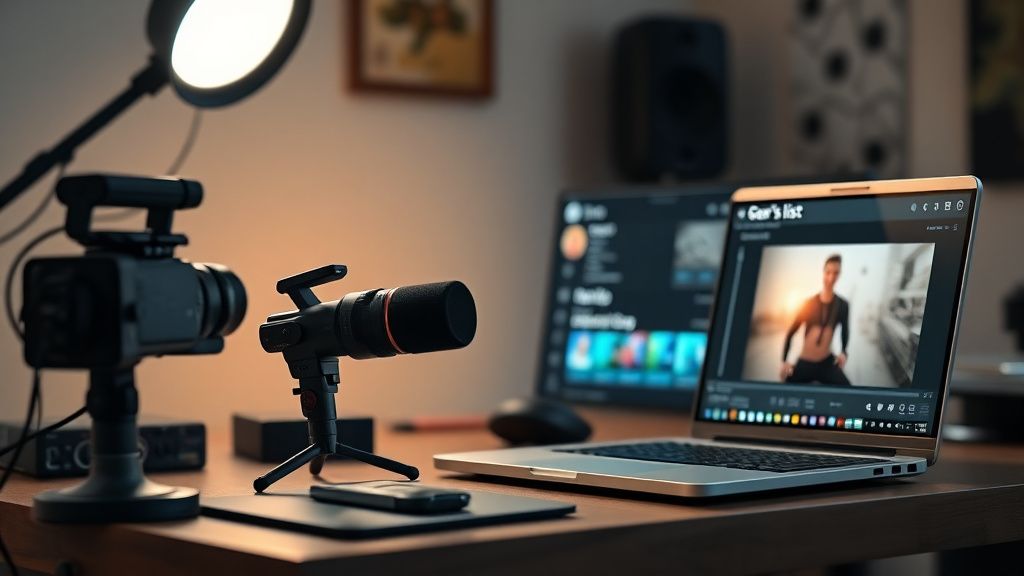
Creator's workspace with camera and laptop showing video editing and affiliate link placement

Creator's workspace with camera and laptop showing video editing and affiliate link placement
Zoom


Hey everyone! I'm a small tech reviewer (about 12K subs) and I've been trying to monetize my channel beyond AdSense. I've started adding affiliate links to my gear reviews (Amazon Associates and some direct manufacturer programs), but I'm worried they come off as too salesy. My audience is pretty loyal and I don't want to lose their trust.

Right now I just paste the links in the description and mention them at the end of the video with a verbal disclaimer. But I feel like I'm not optimizing my placements. I've seen bigger creators use tools like Linktree or their own website, and some even have a 'gear page' on their channel. What's the best practice for placement, disclosure, and overall strategy to make affiliate links feel natural and actually get clicks? I'd love to hear what's working for others around my size.

Replies (3)

Hey! Great question. I've been doing affiliate marketing for about 3 years now (30K subs). The key is to integrate links contextually—don't just dump them in the description. I create a 'gear list' as a separate section in my description using timestamps, and I also use a tool like Throne or Kit (formerly ConvertKit) to create a clean storefront. For placement, I put a verbal mention at the most relevant moment (e.g., 'if you're curious about the mic, I'll leave the link below') and then also have a pinned comment with the top 3 links. That way it feels helpful, not pushy.

Also, make sure you're using Amazon's 'Product Advertising API' to get accurate links and track clicks—but for simplicity, many use 'geni.us' or 'linktr.ee' to manage multiple programs. Disclosure is non-negotiable: I say 'this video contains affiliate links' at the start and in the description. It's actually a trust booster.
Focus on retention, the rest will follow.


videospark77 yazdı:

Right now I just paste the links in the description and mention them at the end of the video with a verbal disclaimer.


I'd suggest moving that mention to the beginning or middle. End-of-video mentions often get missed because people have already clicked away. Also, consider using 'cards' and 'end screens' in YouTube Studio to link to your 'gear page'—you can create a simple Google Site or use a service like 'Linktree' but with a custom domain for a more professional look. I've seen a big jump in clicks when I started using a 'buying guide' style video where each product has a timestamped link in the description.

Also, don't forget to check your 'click-through rate' in Amazon Associates—if a product has low CTR, try changing the placement or the anchor text. And always use 'nofollow' links? Actually, affiliate links are automatically nofollow, but make sure you're not using 'shortened' URLs that might be flagged as spam.
Sony FX3 shooter | Love color grading.
Thanks for the advice! I implemented the timestamped gear list and moved my verbal mention to the intro, plus added a pinned comment. Already seeing a slight uptick in clicks (about 15% more). Also, I started using a custom 'gear page' on my site, which feels more organized. Appreciate the help—this thread solved my issue!
Always testing the YouTube algorithm.

You must register or log in to reply to this topic.

Related Topics & Similar Discussions

Turning Views into Revenue: Best Affiliate Programs for Video Creators in 2026? Category: Affiliate Marketing & Merch
Best Way to Integrate Affiliate Links in YouTube Descriptions Without Hurting CTR? Category: Affiliate Marketing & Merch
Struggling to Convert Viewers into Affiliate Sales? Here’s My Funnel – Need Feedback Category: Affiliate Marketing & Merch